

Key Takeaways
- Mac-inspired shortcuts introduced: PowerToys adds features like “Quick Access” and enhanced window management, closely mirroring popular MacOS shortcuts.
- Spotlight-style search included: Users can now search apps, files, and settings with a floating search box similar to Apple’s Spotlight.
- Microsoft focuses on user experience parity: Microsoft’s update highlights a willingness to adopt proven user experience features from rival platforms—not just relying on Windows-specific traditions.
- Productivity improvement for Windows users: The upgraded shortcuts are designed to reduce friction for multitaskers, power users, and those transitioning from Mac to Windows.
- Ongoing enhancements planned: Microsoft has confirmed that regular feature updates will continue as part of its cross-platform user experience strategy.
Introduction
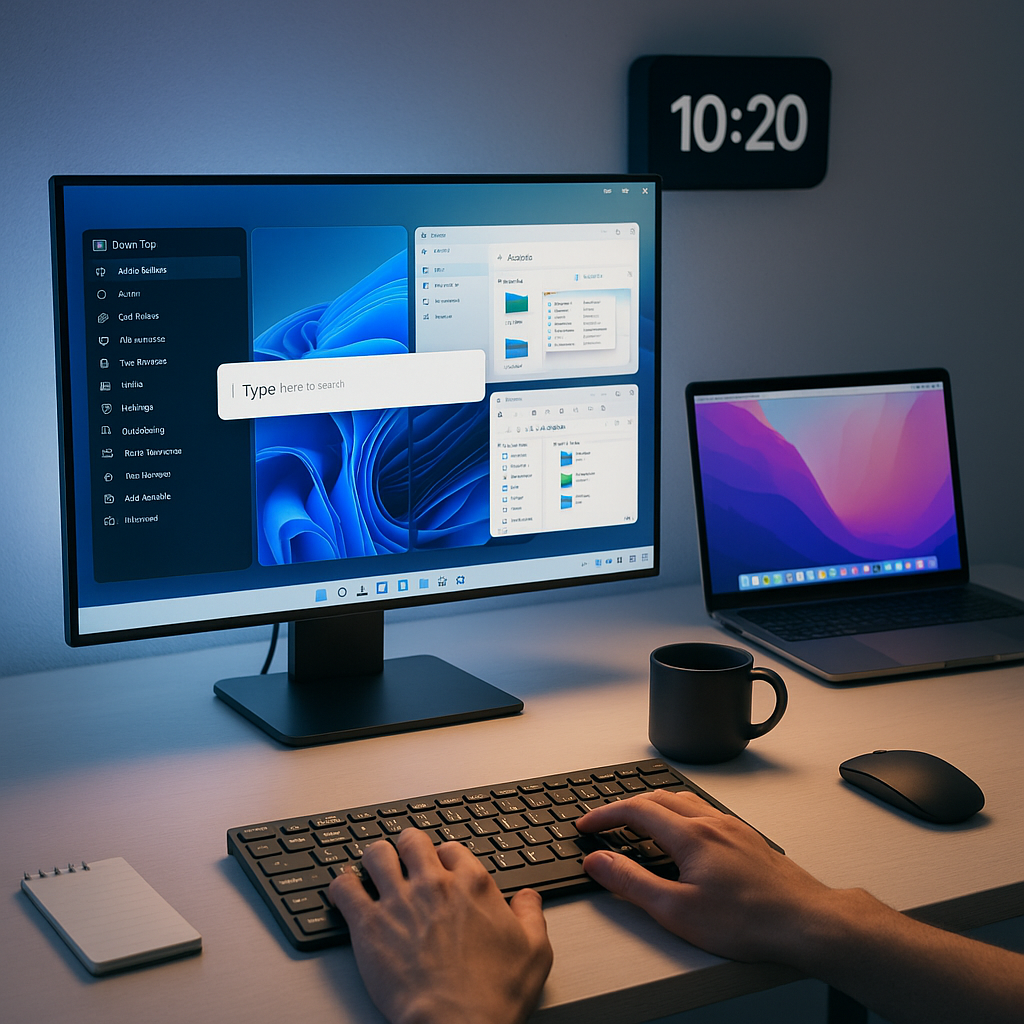
Microsoft PowerToys is rolling out a significant update for Windows 11, introducing popular Mac-style shortcuts such as a Spotlight-inspired quick search and advanced window management. By adopting features from macOS, Microsoft aims to streamline workflows and improve productivity for users, particularly multitaskers and recent Mac converts. This also signals a user-centered approach to future Windows development.
New Mac-Inspired Features
The latest PowerToys update brings key macOS-inspired functionality to Windows 11 through an expanded suite of productivity tools. Quick Search, a Spotlight-style feature, enables users to locate files and launch applications from anywhere on the desktop.
Window management is enhanced with Stage Manager-like functions. Now, users can organize multiple windows into customizable groups. You can snap windows into preset layouts or create your own configurations using streamlined keyboard shortcuts.
A new keyboard customization tool helps users remap keys to match familiar macOS shortcuts. This feature includes pre-configured macOS shortcut templates and preserves compatibility with traditional Windows commands, making it much easier to switch between platforms.
Un passo avanti. Sempre.
Unisciti al nostro canale Telegram per ricevere
aggiornamenti mirati, notizie selezionate e contenuti che fanno davvero la differenza.
Zero distrazioni, solo ciò che conta.
 Entra nel Canale
User Experience Parity
This update shows Microsoft’s shift toward integrating successful interface elements from across the industry. Dave McCarthy, Microsoft’s Corporate Vice President of Windows Product Development, stated that the company is focused on delivering the best productivity experience possible, drawing inspiration from a range of platforms.
Microsoft’s development team engaged with users who regularly switch between Windows and macOS to determine which features would most benefit cross-platform workflows. As a result, the tools are designed to feel intuitive for both long-time Windows users and Mac converts.
Usage data indicates a growing number of professionals frequently work across multiple operating systems. Platform consistency has become an important goal on Microsoft’s development roadmap. If you’re interested in expanding your daily productivity further, check out our guide to the best Chrome extensions for productivity.
Technical Implementation
Microsoft engineered the new PowerToys features for seamless integration with the Windows 11 architecture. Quick Search operates with minimal system resources. It uses an efficient indexing system that maintains speed without impacting battery life.
The enhanced window management features build on Windows 11’s native snap layouts. PowerToys’ modular framework adds new options. This ensures stability while expanding the system’s capabilities.
Security remains a focus. All features operate under Windows’ standard permission systems and protocols. Microsoft has emphasized that no additional system access is required beyond standard PowerToys permissions. For more win-win tech habits, see our article on time-saving tech habits that help streamline your workflow and improve privacy.
Developer Community Response
The open-source development community has responded positively to the new features. Several leading Windows developers have already started creating plugins to extend PowerToys’ functionality.
GitHub repositories related to PowerToys show increased activity, with contributors offering improvements and proposing more Mac-inspired features for future releases. The project’s public roadmap has been updated to incorporate community input and feature requests.
Microsoft has published detailed documentation on its Developer Network, supporting third-party developers in building compatible applications and extensions.
Conclusion
Microsoft’s PowerToys update significantly narrows the experience gap between Windows 11 and macOS. For folks switching between platforms, workflows just got a whole lot smoother. This change underscores a continued focus on practical productivity and cross-platform usability. What to watch: new community-driven features are in development, with ongoing updates shaped by developer and user feedback. Those embracing a minimalist setup may also appreciate our exploration of the minimalist tech desk setup to further elevate your digital workspace.




Leave a Reply