

Key Takeaways
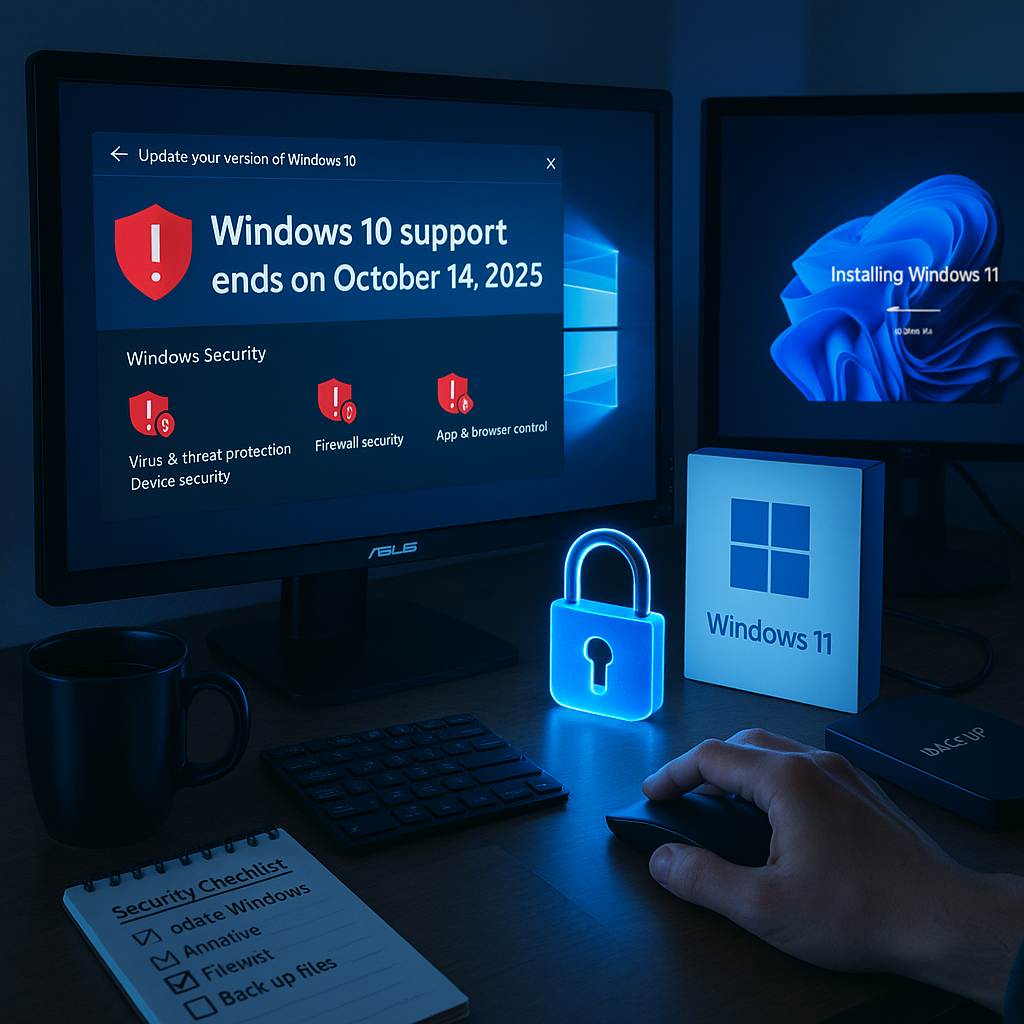
- End of free security updates for Windows 10: Microsoft ceased releasing complimentary security patches on October 14, 2025.
- Heightened risk for unprotected users: Devices running unsupported Windows 10 versions may become vulnerable to malware, ransomware, and other cyber threats.
- Paid extended security updates available: Microsoft is offering a paid Extended Security Updates (ESU) program for individuals and businesses who need more time to upgrade.
- Upgrading to Windows 11 recommended: Microsoft advises users to switch to Windows 11 for ongoing security support and the latest features.
- Device compatibility may affect upgrade path: Some older PCs may be ineligible for Windows 11, requiring hardware upgrades or alternative operating systems.
- Next steps for users: Security experts recommend backing up data, checking device eligibility, and planning either an OS upgrade or exploring third-party protections.
Introduction
Microsoft officially ended free security updates for Windows 10 on October 14, 2025, leaving millions of users potentially exposed to new cyber threats unless they pay for extended coverage or upgrade to Windows 11. With some older devices unable to make the switch, users must review their options to maintain security and keep their technology experience seamless in the years ahead.
End of Free Security Updates
Microsoft has confirmed the termination of free security updates for all consumer versions of Windows 10, effective October 14, 2025. This policy impacts both Home and Pro editions, which together power over 1 billion devices worldwide.
After this date, Windows 10 will continue to operate, but users will no longer receive essential security patches against newly discovered vulnerabilities. James Thompson, Microsoft’s Director of Operating System Security, stated that the decision is in line with the company’s standard 10-year support lifecycle for operating systems.
Enterprise customers have the option to purchase Extended Security Updates (ESU) to maintain continued protection on Windows 10 systems. However, this paid coverage is not available to individual consumers. Individual users must upgrade to Windows 11 or consider replacing their devices.
Un passo avanti. Sempre.
Unisciti al nostro canale Telegram per ricevere
aggiornamenti mirati, notizie selezionate e contenuti che fanno davvero la differenza.
Zero distrazioni, solo ciò che conta.
 Entra nel Canale
Security Implications
Experts in cybersecurity caution that running an unsupported operating system dramatically increases the risk of digital threats. Sarah Chen, Chief Security Analyst at Cyberwatch Institute, explained that unpatched systems are frequent targets for cybercriminals seeking to exploit known vulnerabilities.
Recent findings from security firm Malware Analytics indicate that devices with outdated operating systems are three times more likely to experience security breaches. Without consistent updates, sensitive information such as banking details, personal data, and login credentials is particularly at risk.
The danger extends to every network connected to unsupported machines, amplifying potential impacts at home and in the workplace. Marcus Rodriguez, IT security consultant, noted that even a single unsecured Windows 10 machine can serve as an entry point for network-wide compromise.
Upgrade Options
Users with compatible PCs can upgrade to Windows 11 at no charge through Windows Update. To assist, Microsoft has released an updated requirements checker that helps users confirm upgrade eligibility.
If a device does not meet the Windows 11 requirements, alternatives include purchasing new hardware or implementing additional security measures temporarily. Many hardware manufacturers are offering trade-in programs to assist customers transitioning to Windows 11-compatible devices.
For small businesses and organizations, Microsoft’s ESU program offers extended coverage, though pricing depends on the number of devices and chosen term length. Lisa Foster, Microsoft’s Enterprise Solutions Manager, stated that the ESU program provides a valuable buffer for organizations developing their upgrade strategies.
Transition Timeline
Microsoft encourages users to complete upgrades before the October 2025 deadline in order to maintain continuous security coverage. The company has provided a dedicated support portal to guide users through each step of the process.
Technical support for Windows 10 will remain available through various channels, but will not include new security fixes. During this period, Microsoft’s support teams will focus on assisting users upgrading to Windows 11.
For those unable to upgrade immediately, third-party security vendors are developing enhanced protective solutions. However, these measures may not deliver the same level of defense as Microsoft’s official security updates.
Conclusion
Microsoft’s decision to end free Windows 10 security updates marks a significant shift, compelling millions of users to evaluate their upgrade options before support ends in October 2025. This development underscores the rising risks associated with unsupported operating systems and the importance of timely transitions.
What to watch: Continued updates from Microsoft and emerging third-party security solutions as the October 14, 2025, cutoff date nears.




Leave a Reply