

Key Takeaways
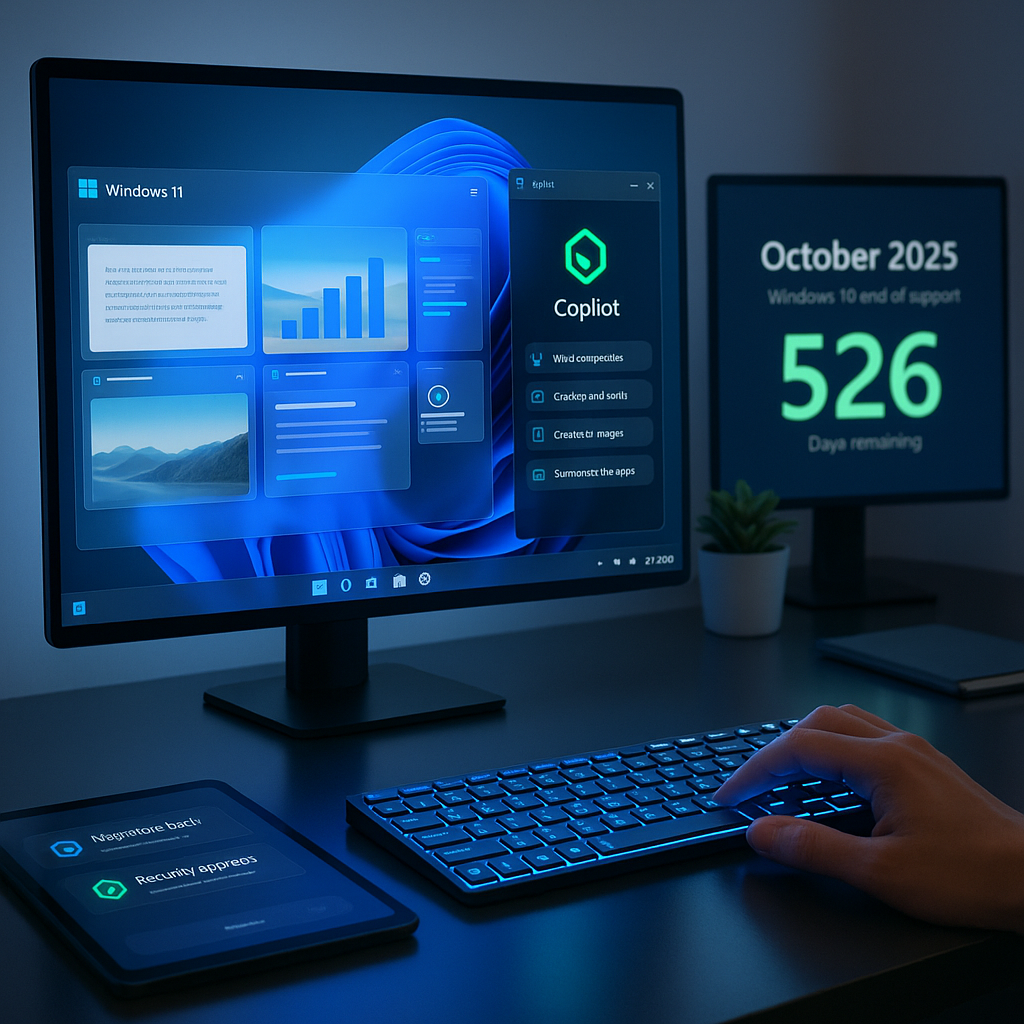
- Windows 11 receives AI enhancements: Microsoft has introduced advanced AI-driven features, including smarter search, automated workflows, and real-time assistance through Copilot.
- End of Windows 10 support: Microsoft will discontinue support for Windows 10 by October 2025 and is encouraging users to upgrade.
- Productivity updates released: Updates include AI-powered editing, improved task management, and integrated recommendations across Microsoft 365 apps.
- Security improvements highlighted: New AI-based threat detection and privacy tools are now part of standard Windows 11 updates.
- Upgrade pathways outlined: Migration tools and incentives are available to help individuals and businesses move to Windows 11.
- Future updates planned: Additional Copilot features and Windows 11 updates are expected in late 2024.
Introduction
Microsoft has introduced a significant upgrade to Windows 11’s artificial intelligence features this week, adding smarter search, automated workflows, and improved Copilot integration. The company also confirmed it will discontinue Windows 10 support by October 2025. This development represents a strategic shift, prompting users and businesses to transition to the more secure, AI-enhanced Windows 11 platform.
Major Windows 11 AI Upgrades
Microsoft has unveiled notable AI enhancements for Windows 11, focusing on expanded Copilot integration throughout the operating system. The AI assistant now appears in the sidebar of all native Windows applications, providing contextual support and automation.
New features include AI-powered productivity tools such as smart file organization and intelligent text suggestions. Panos Panay, Microsoft’s Chief Product Officer, stated that these improvements demonstrate Microsoft’s vision of AI as a natural component of daily work.
Advanced natural language processing enables users to search for files and settings using conversational queries. The system can interpret complex commands such as “find photos I took last summer in Spain” or “show me documents I worked on with Sarah last week“, streamlining everyday tasks.
Un passo avanti. Sempre.
Unisciti al nostro canale Telegram per ricevere
aggiornamenti mirati, notizie selezionate e contenuti che fanno davvero la differenza.
Zero distrazioni, solo ciò che conta.
 Entra nel Canale
Windows 10 Support Timeline
Microsoft has designated October 14, 2025, as the final end-of-support date for Windows 10. After this point, the company will stop providing security updates and technical assistance for all editions of Windows 10.
Enterprise customers will need to begin migration planning well before the deadline. While Microsoft is offering extended security updates for enterprise clients, these services will incur additional costs.
To facilitate the transition, Microsoft has released tools and resources, including a compatibility checker and a deployment planning guide. IT administrators can now monitor upgrade progress through a centralized dashboard designed for organizational oversight.
Migration Path and Requirements
Windows 11 requires more advanced hardware than its predecessor, with mandatory TPM 2.0 security hardware and newer processor generations. Microsoft has stated these requirements will remain to uphold security and performance standards.
The company offers several upgrade options, such as free Windows 11 upgrades for eligible Windows 10 devices. Jason Schultz, Microsoft’s Corporate Vice President of Windows Servicing and Delivery, emphasized a commitment to ease of transition for customers.
Organizations can use Windows Update for Business to coordinate and schedule upgrades across devices. The FastTrack program has also been expanded to assist enterprises with more than 150 devices during migration.
Impact on Users and Businesses
Initial users of Windows 11’s AI capabilities have reported productivity gains, with Microsoft’s internal studies indicating up to 20% time savings on common tasks. The AI assistants are especially effective for automating routine work and highlighting relevant information.
Small and medium-sized businesses may encounter challenges navigating the transition, weighing hardware upgrade expenses against enhanced security benefits. Analysts suggest that organizations should allocate budgets for both hardware and training programs.
IT professionals are encouraged to start compatibility testing of essential applications before Windows 10 support ends. Microsoft’s App Assure program is available to help organizations overcome compatibility issues during migration.
Conclusion
Microsoft’s Windows 11 upgrades bring AI-powered features directly into everyday workflows. The scheduled end of Windows 10 support sets a clear migration timeline for all users. This evolution requires adjustments in hardware planning, productivity strategies, and security measures across different user groups. What to watch: organizations and individuals have until October 14, 2025, to complete their migration and take advantage of the enhanced tools and support programs now available.




Leave a Reply